

Turn Any YouTube Video into
Notes Worth Keeping
TubeNofy distills any YouTube video into highlights, insights, topics, keywords, and quotes—with timestamps you can jump to and AI chat built in.





 See TubeNofy AI in Action
Stop Scrubbing Through Long Videos—Find What Actually Matters.
Watch how TubeNofy pulls out highlights, insights, topics, keywords, and quotes from any video—then lets you jump to the moments that matter and chat with AI to go deeper.

Everything a YouTube Note Taker Should Help You Do
From highlights and key quotes to AI chat and Notion export, TubeNofy turns any YouTube video into structured notes worth keeping.

The YouTube Note Taker That Does More Than Summarize
Most YouTube summarizers give you a short overview and leave out the parts you actually want to keep. TubeNofy goes further—extracting highlights, insights, topics, keywords, and quotes with timestamps, so your notes are structured, reusable, and actually worth keeping.
- Five note views: Highlights, Insights, Topics, Keywords, and Quotes
- Structured notes instead of one short recap
- Keep highlights, quotes, and key moments together
- Built for real reuse, not one-time reading
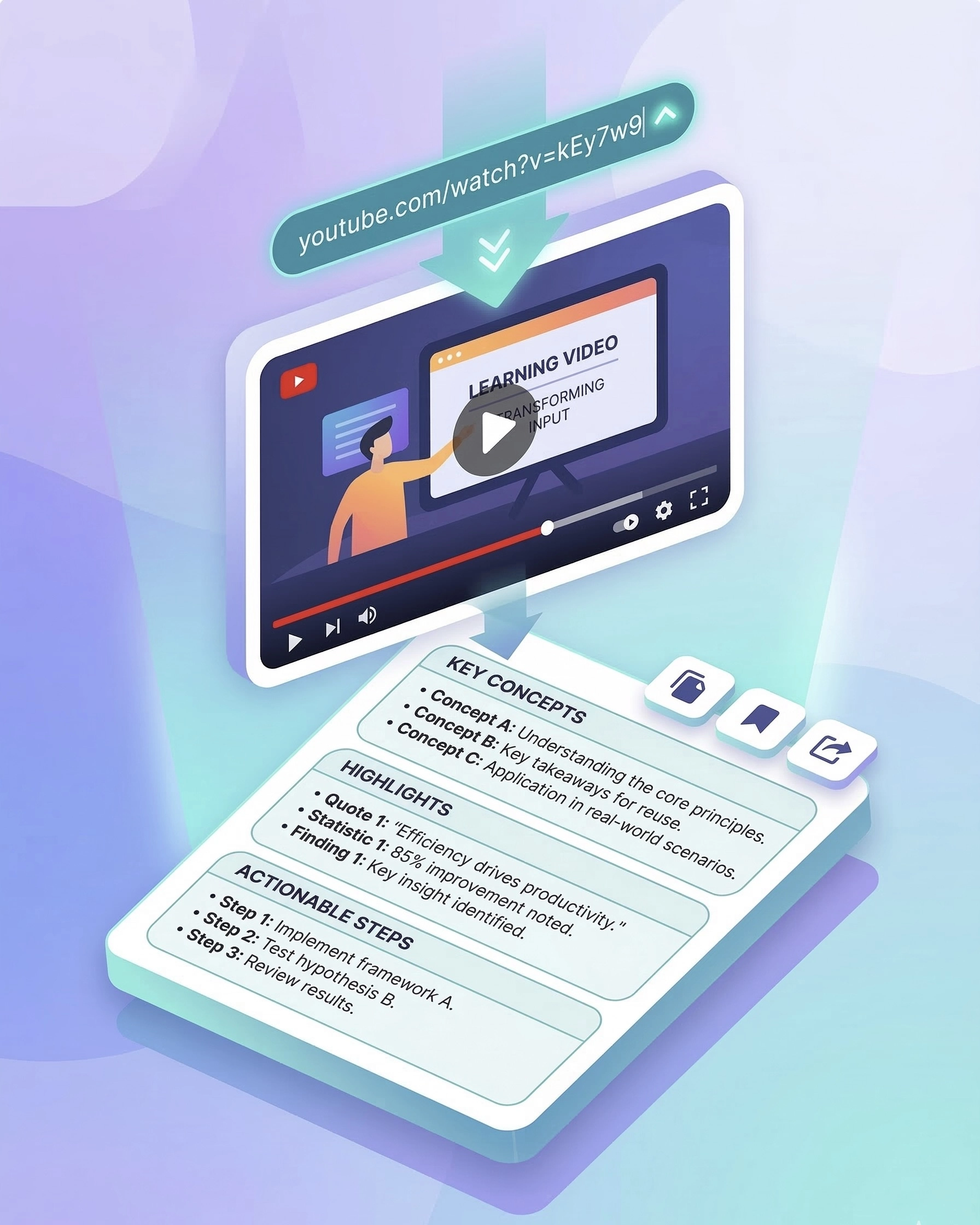
Turn YouTube Videos into Clear, Reusable Notes
Paste any YouTube URL and TubeNofy instantly turns raw transcripts into clear, reusable notes—structured by highlights, topics, and key quotes, ready to search, export, or drop straight into your workflow.
- Works with any YouTube video, including Shorts
- Structured notes ready in seconds
- Reuse notes for writing, research, and learning
- No rewatching, no manual note-taking

Get Highlights with Exact Timestamps
Every highlight comes with an exact timestamp you can click to jump straight to that moment in the video. No more scrubbing. No more guessing. Just the parts that matter, exactly where they are—ready to verify, quote, or reference instantly.
- Exact timestamps on every highlight
- Click to jump directly to any video moment
- Original quotes preserved word for word
- Great for quotes, references, and fast review

Chat with YouTube Videos for Instant Answers
Ask questions about any part of a video and get fast answers based on the actual video transcript—powered by advanced AI. Instead of rewatching long sections to find what you need, chat directly with the video and understand key details faster.
- Ask anything about any part of the video
- Answers based on the actual video transcript, powered by advanced AI
- Understand complex topics faster with AI chat
- Explore details without rewatching everything
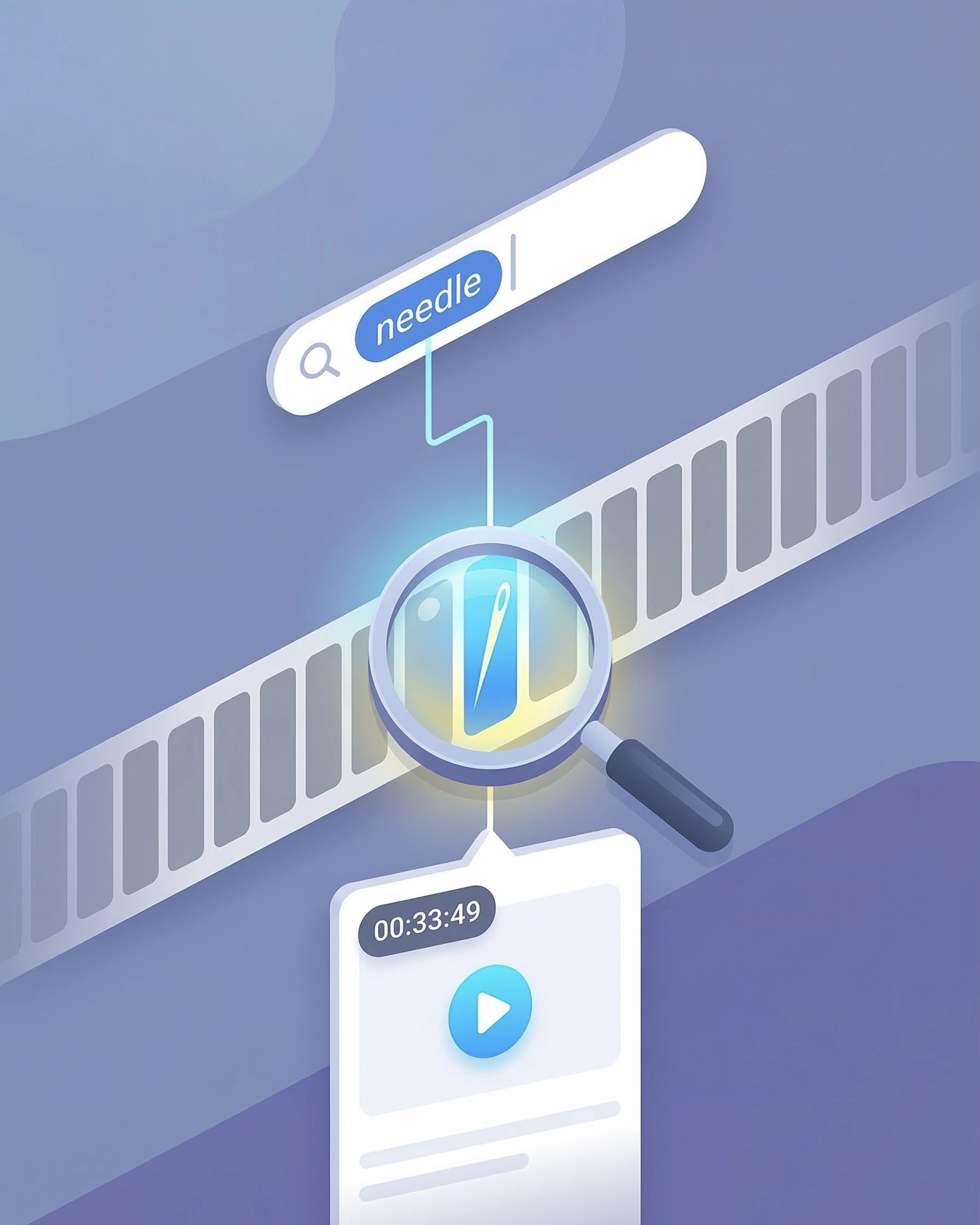
Search Inside Any Video. Find the Exact Moment.
Search inside any YouTube video by keyword and jump straight to the exact moment you need. TubeNofy makes long videos easier to navigate by helping you find where any topic, term, or idea appears—without manually dragging through the timeline.
- Search any video by keyword
- Find the exact moment instantly
- Skip manual scrubbing through long timelines
- Perfect for lectures, interviews, and research videos
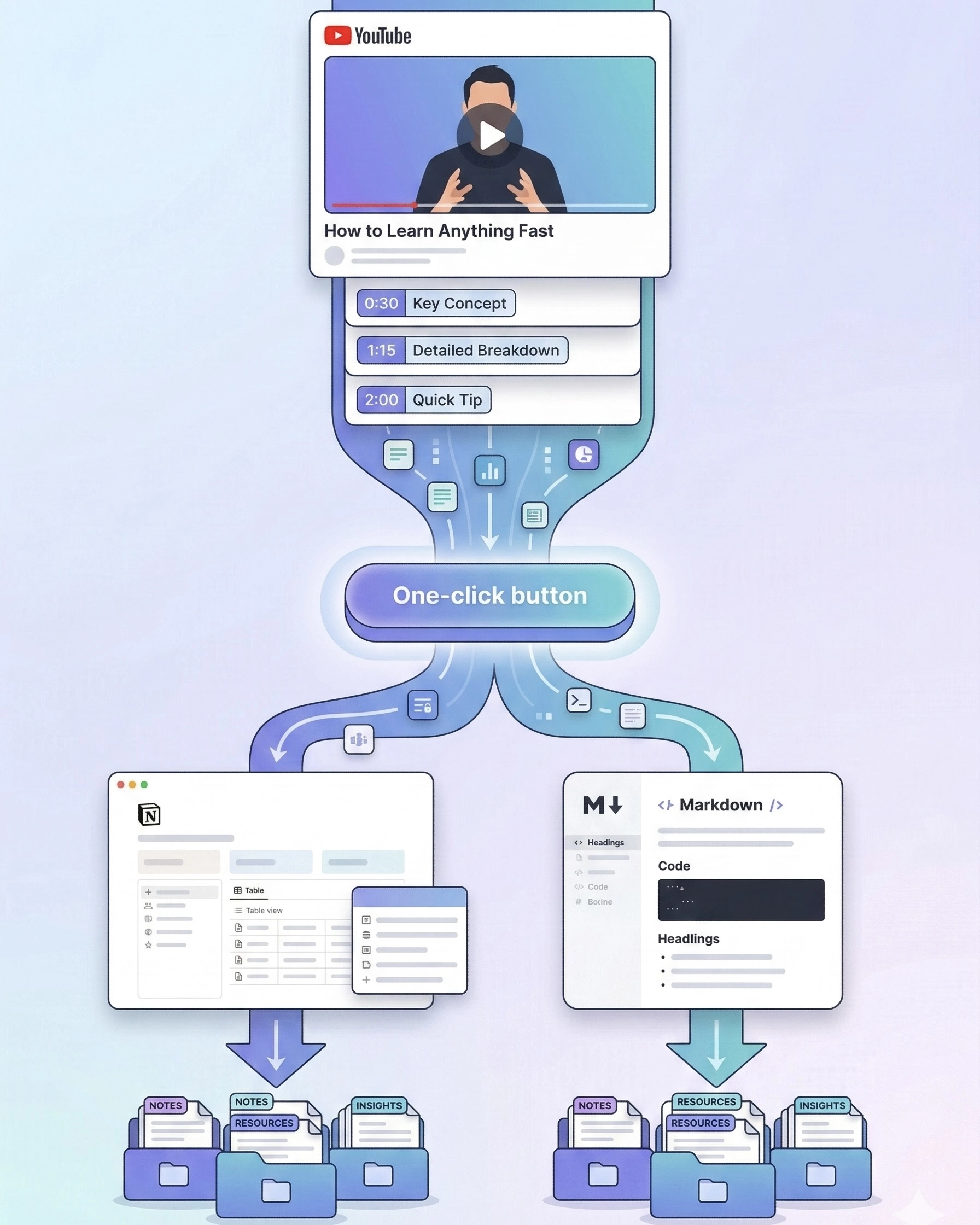
Export YouTube Notes to Notion in One Click
Your YouTube notes shouldn't get lost after you close the tab. Export directly to Notion or copy in Markdown with one click—structured notes, highlights, and timestamps all preserved, ready to reuse across your entire workflow.
- One-click export to Notion
- Markdown format support
- Keep notes, highlights, and timestamps together
- Built for research, learning, and long-term note-taking
Loved by YouTube Note Takers Worldwide
See how TubeNofy helps creators, researchers, and students turn YouTube videos into structured notes, highlights, and quotes they actually use.








YouTube Note Taker – Frequently Asked Questions
Turn Your Next YouTube Video into Notes Worth Keeping
Paste any YouTube URL to get highlights, timestamps, AI answers, and structured notes in seconds.